Get started with Atlas

1
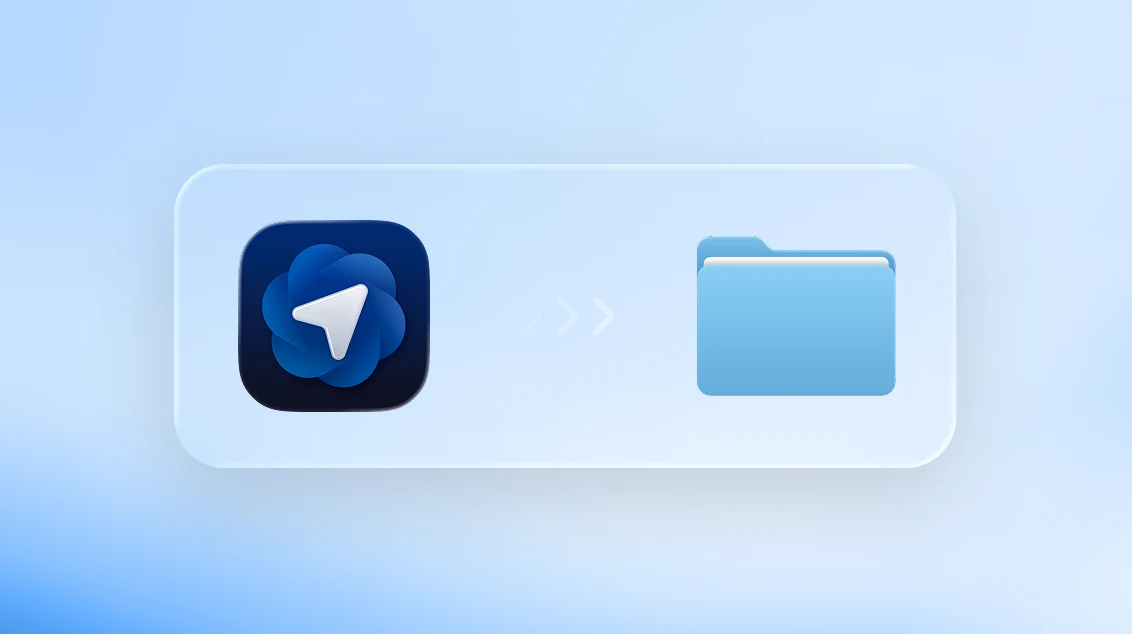
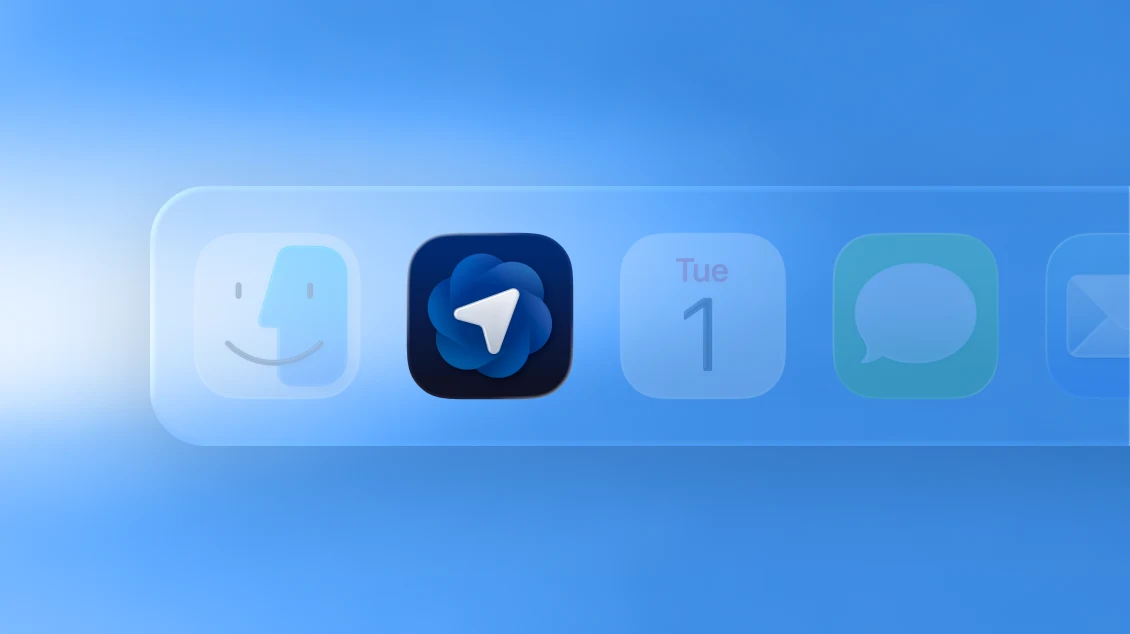
Drag the Atlas icon into your Applications folder.
2
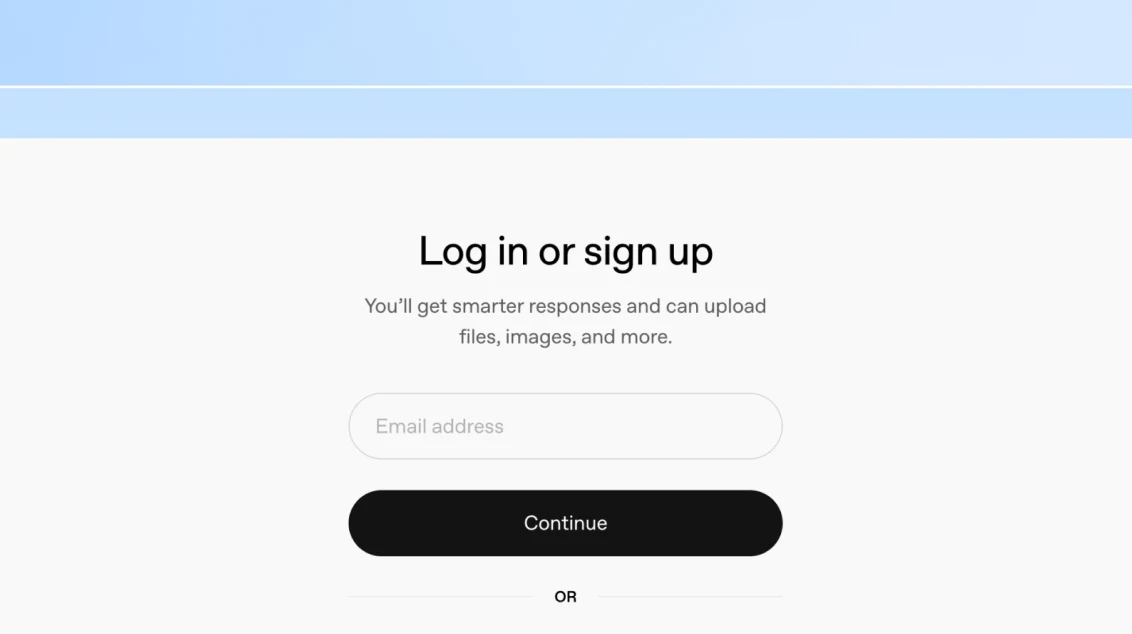
Open Atlas and log in using your ChatGPT account.
3
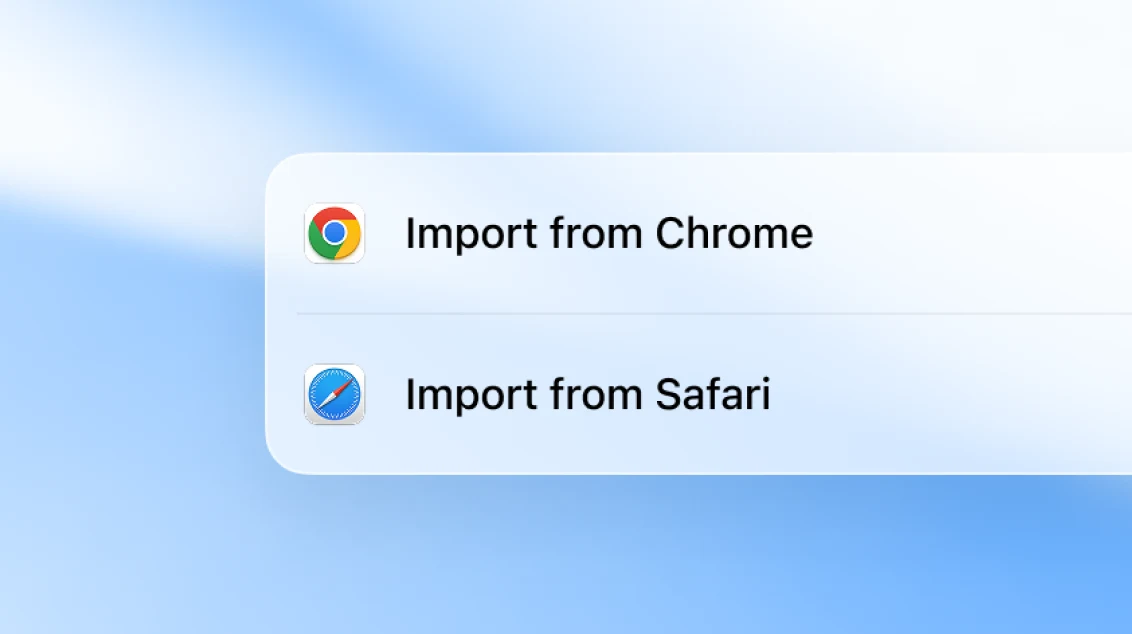
Import data from another browser (passwords, bookmarks, browsing history).
4
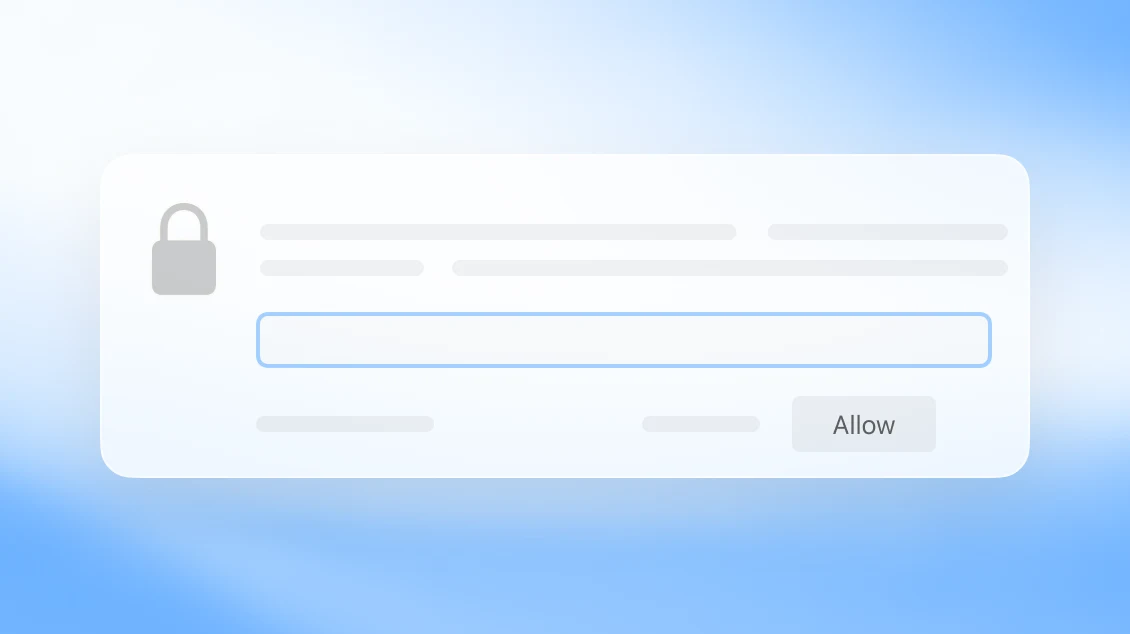
Allow keychain access.
5
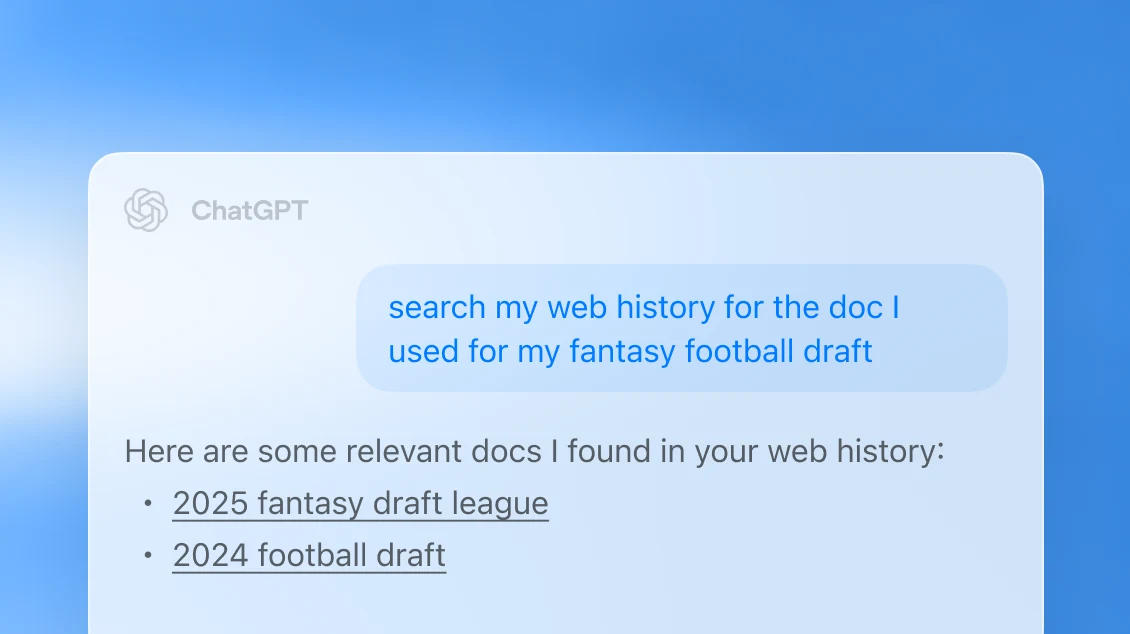
Decide if you want to enable browser memories.
6
Set ChatGPT as default browser and get boosted limits for 7 days.
Terms apply
Still need help? Visit our help center
Explore more
- Deep research in ChatGPT
Assign ChatGPT a topic to research and receive a comprehensive report.
- Agent mode in ChatGPT
Have ChatGPT take action for you — use agent mode to handle research, planning, and multi-step tasks from start to finish.
- ChatGPT desktop app
Download the ChatGPT desktop app to keep AI a keystroke away and work through code, files, emails, or screenshots you choose to upload.