Do more with Spotify in ChatGPT
Connect your Spotify account to ChatGPT and start listening your way. Ask for songs, playlists, or podcasts, and get personalized recommendations without leaving the chat.
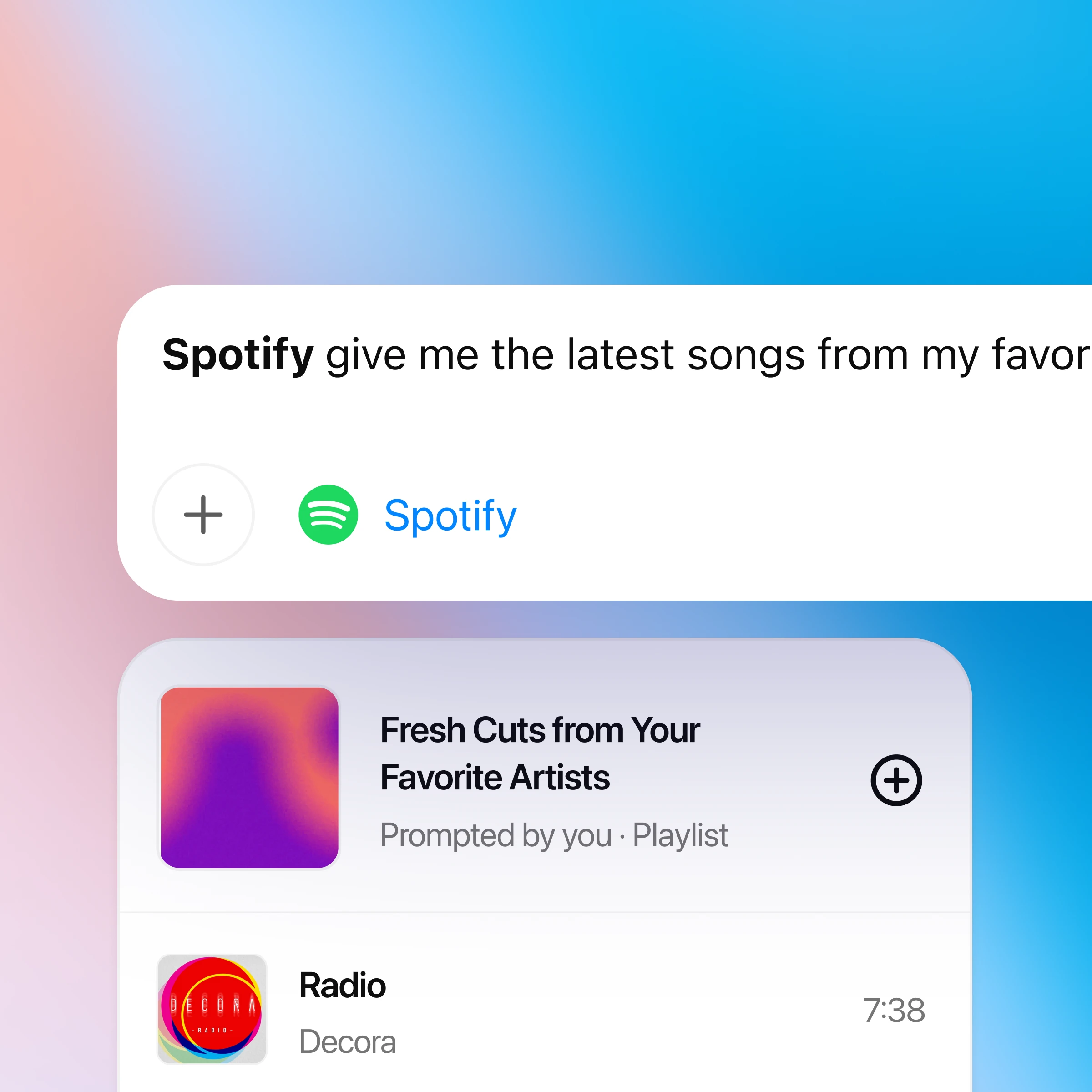
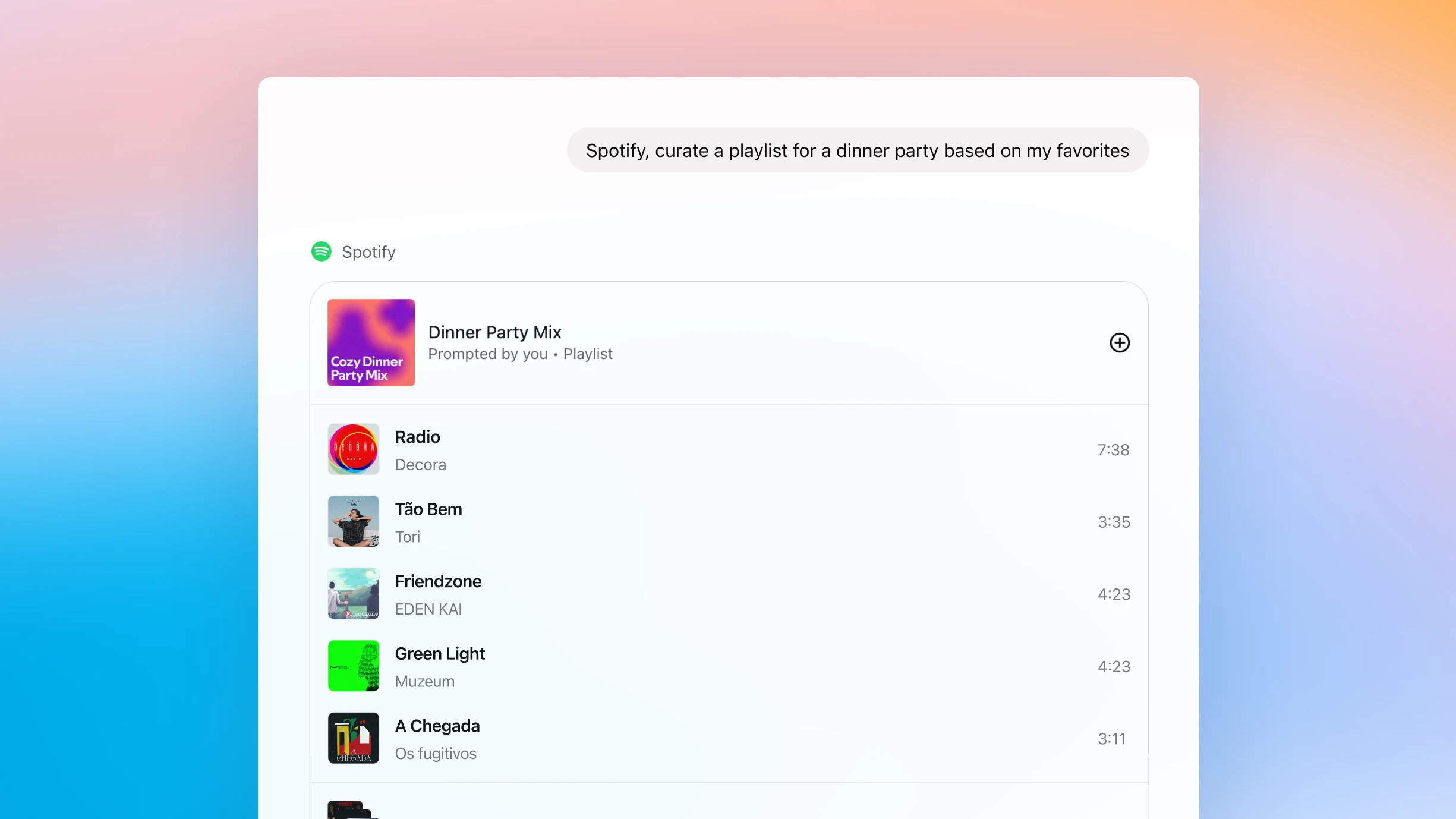
How to use ChatGPT with Spotify
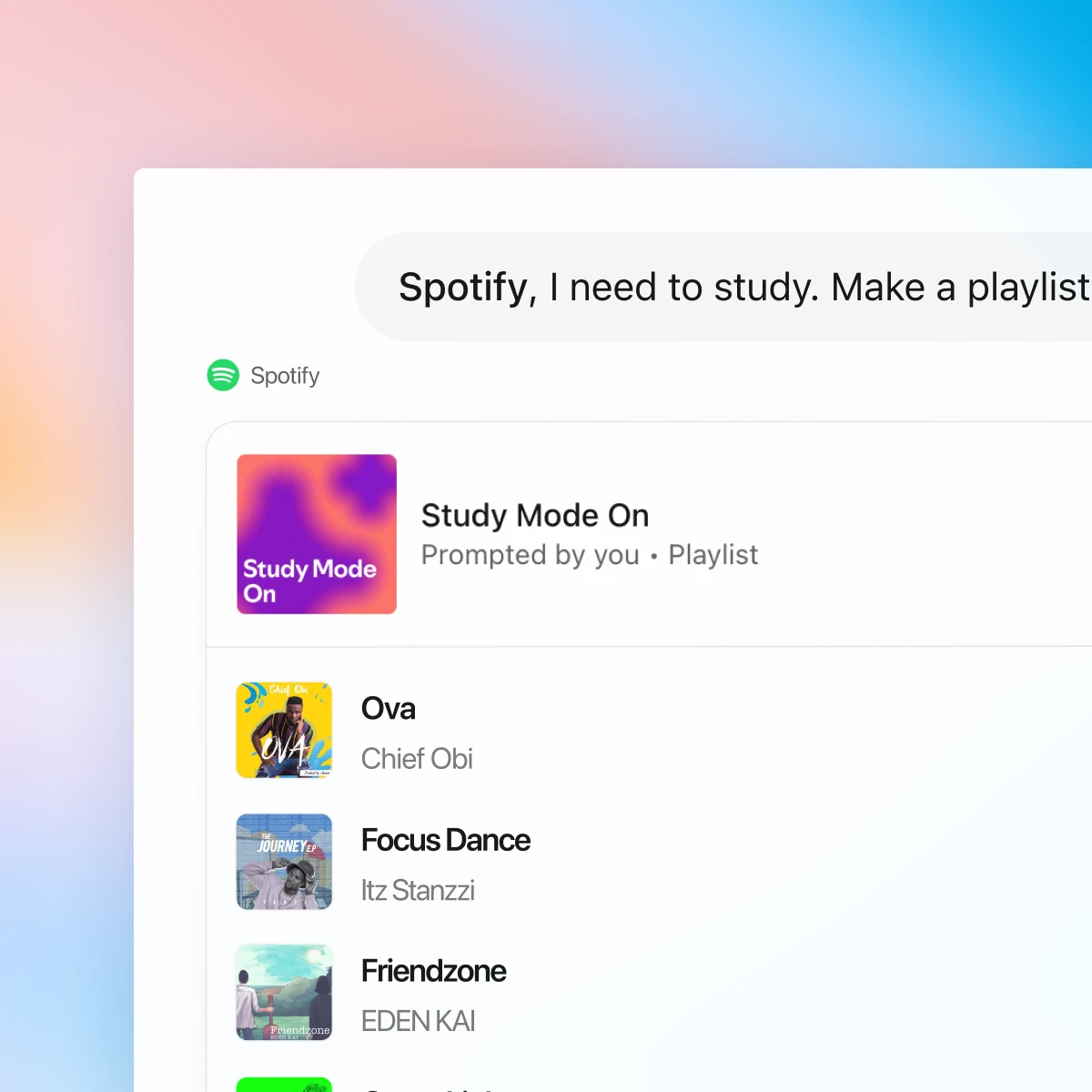
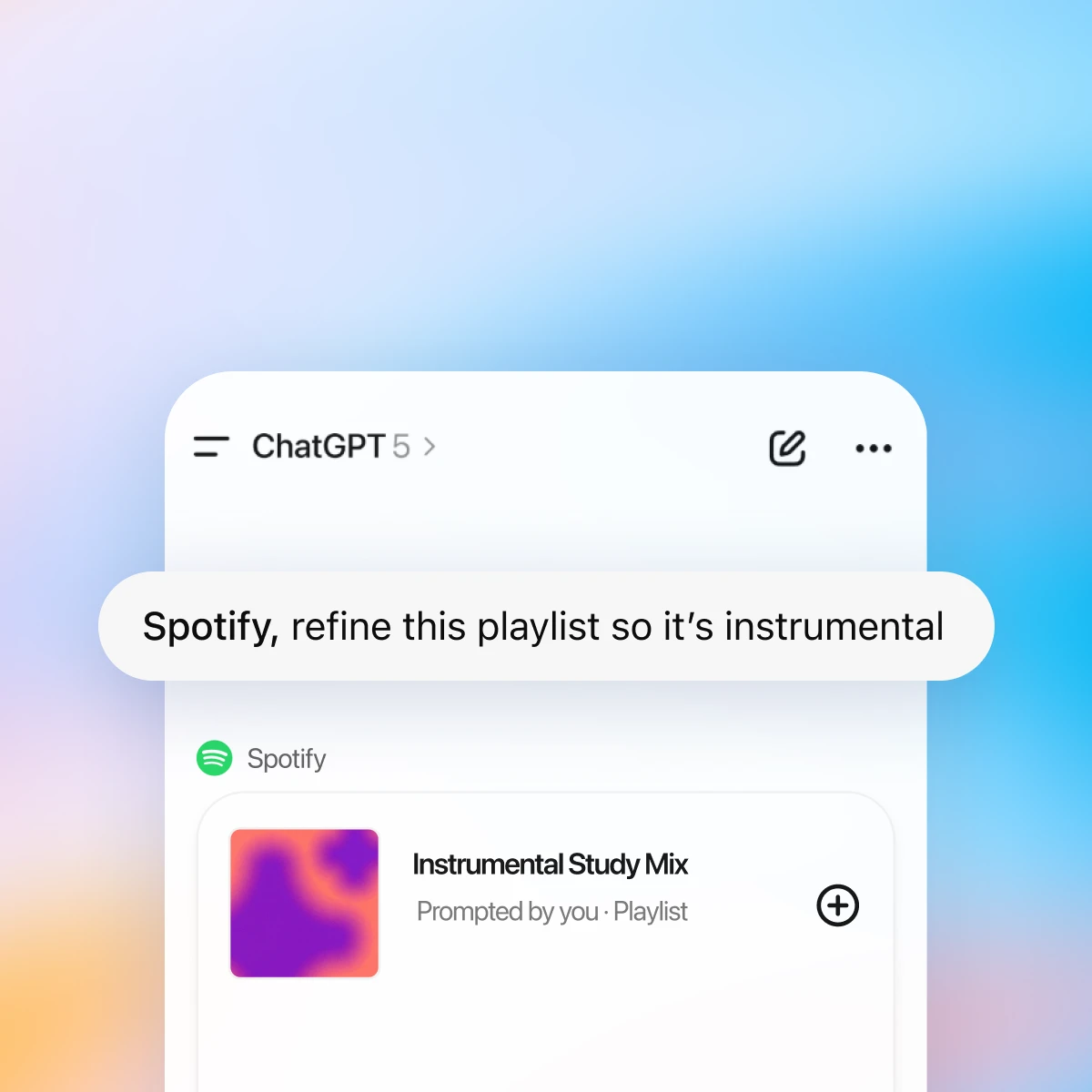
First, make sure you are logged in to ChatGPT. The first time you mention Spotify in chat, ChatGPT will prompt you to connect your Spotify account so it can personalize recommendations and playlists.
Chat with Spotify and find what fits your mood
Personalized to your taste
ChatGPT and Spotify work together to surface songs and podcasts based on your history, favorite artists, and listening patterns.
Effortless discovery
Go from “I need a playlist for…” to listening in seconds. Get new recommendations without ever leaving the chat.
Conversational playlists
Create, edit, and name playlists through chat. Ask for a mix that fits your vibe — from focused study sessions to late-night drives.
More ways to chat with Spotify
More ways to use ChatGPT
- Create with Canva in ChatGPT
Create, preview, and edit Canva designs directly in your ChatGPT conversations. Go from an idea to a ready-to-share presentation or post — all in one flow.
- Chat with PDFs
Upload your PDFs to ChatGPT and get help analyzing and summarizing big documents, so you can get the information you need quickly.
- Recipes and cooking with ChatGPT
Tap into ready-made chats for pantry meals, budget cooking, meal prep, substitutions, and fast, reliable recipe help.