Do more with Spotify in ChatGPT
Connect your Spotify account to ChatGPT and start listening your way. Ask for songs, playlists, or podcasts, and get personalized recommendations without leaving the chat.
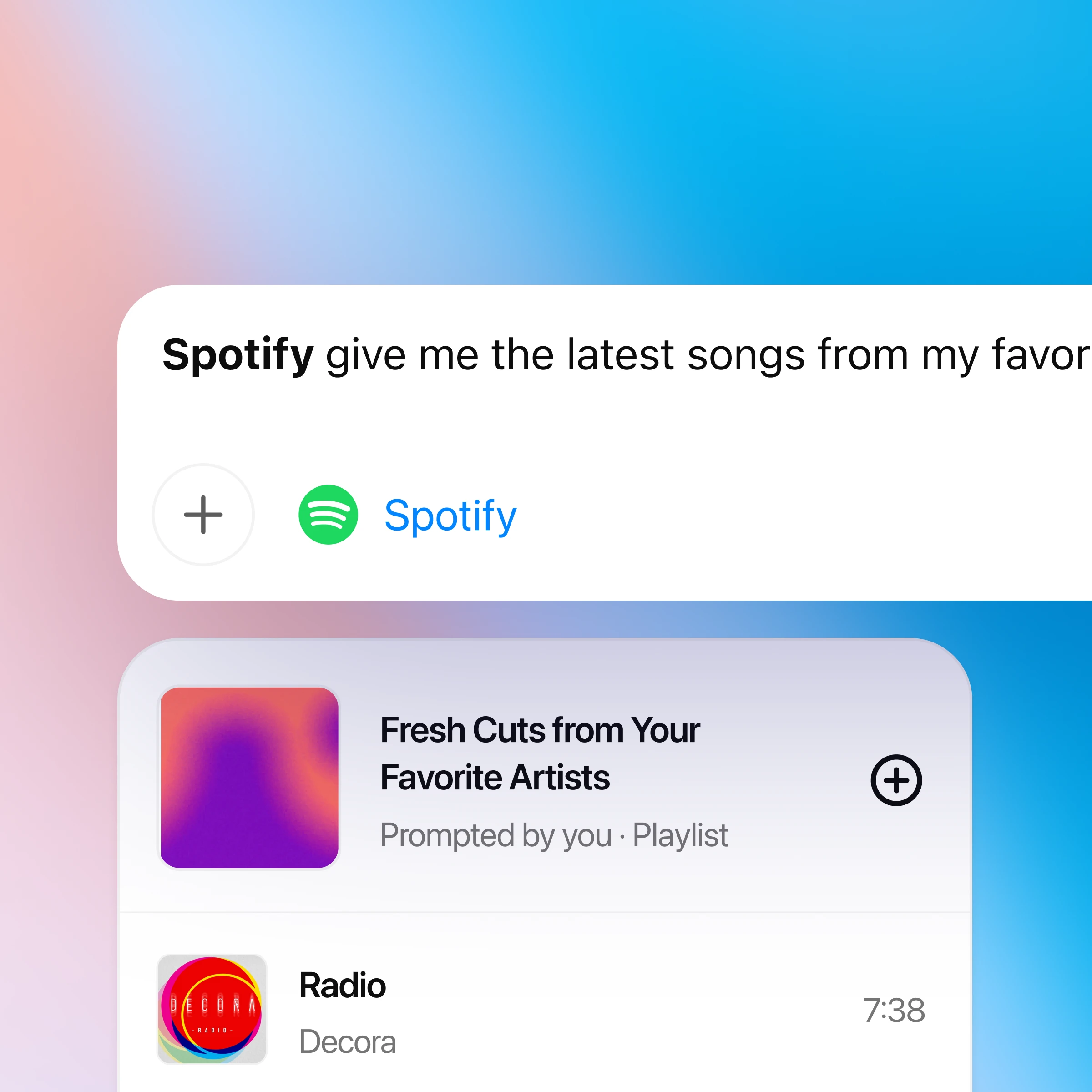
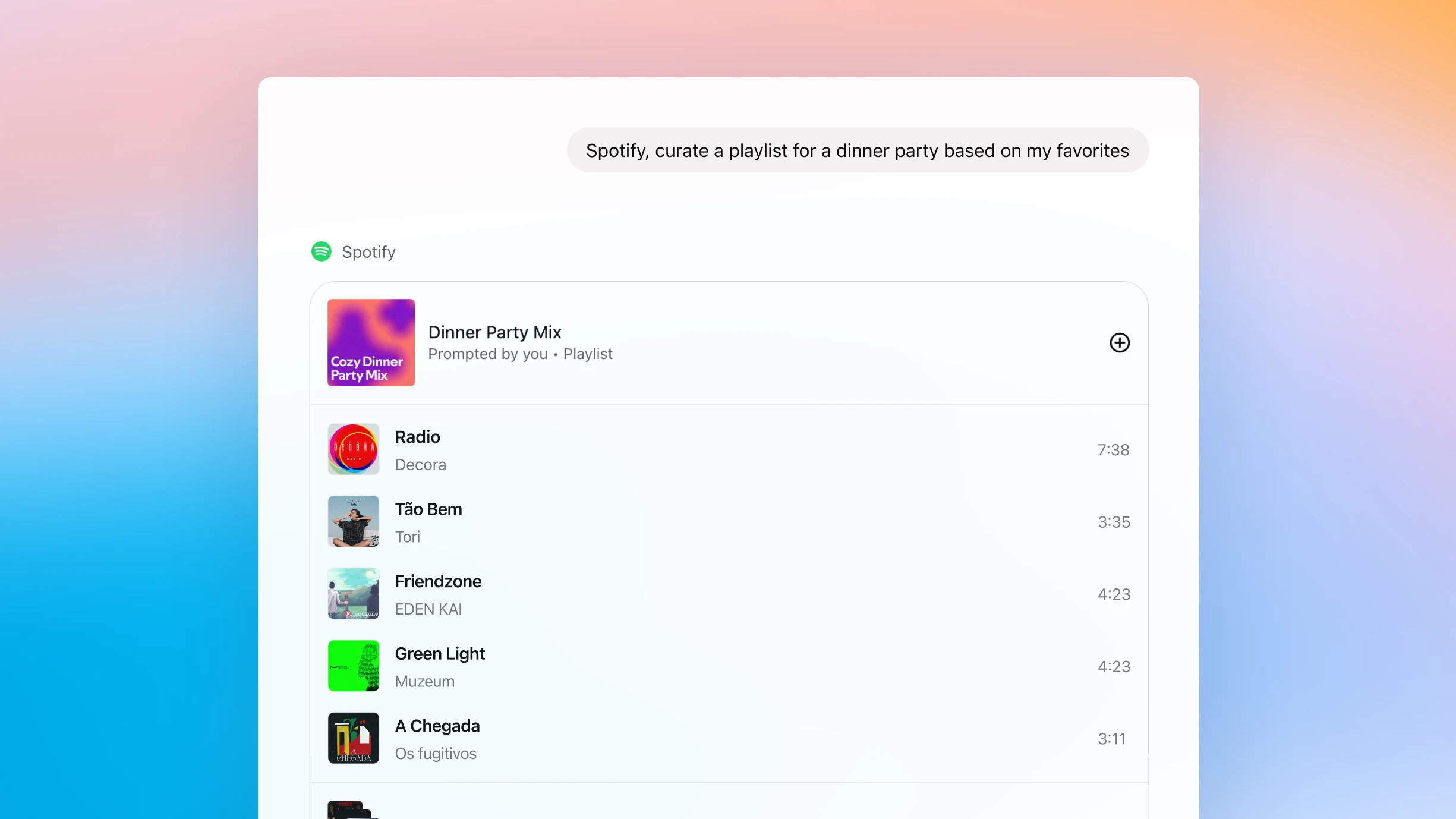
How to use ChatGPT with Spotify
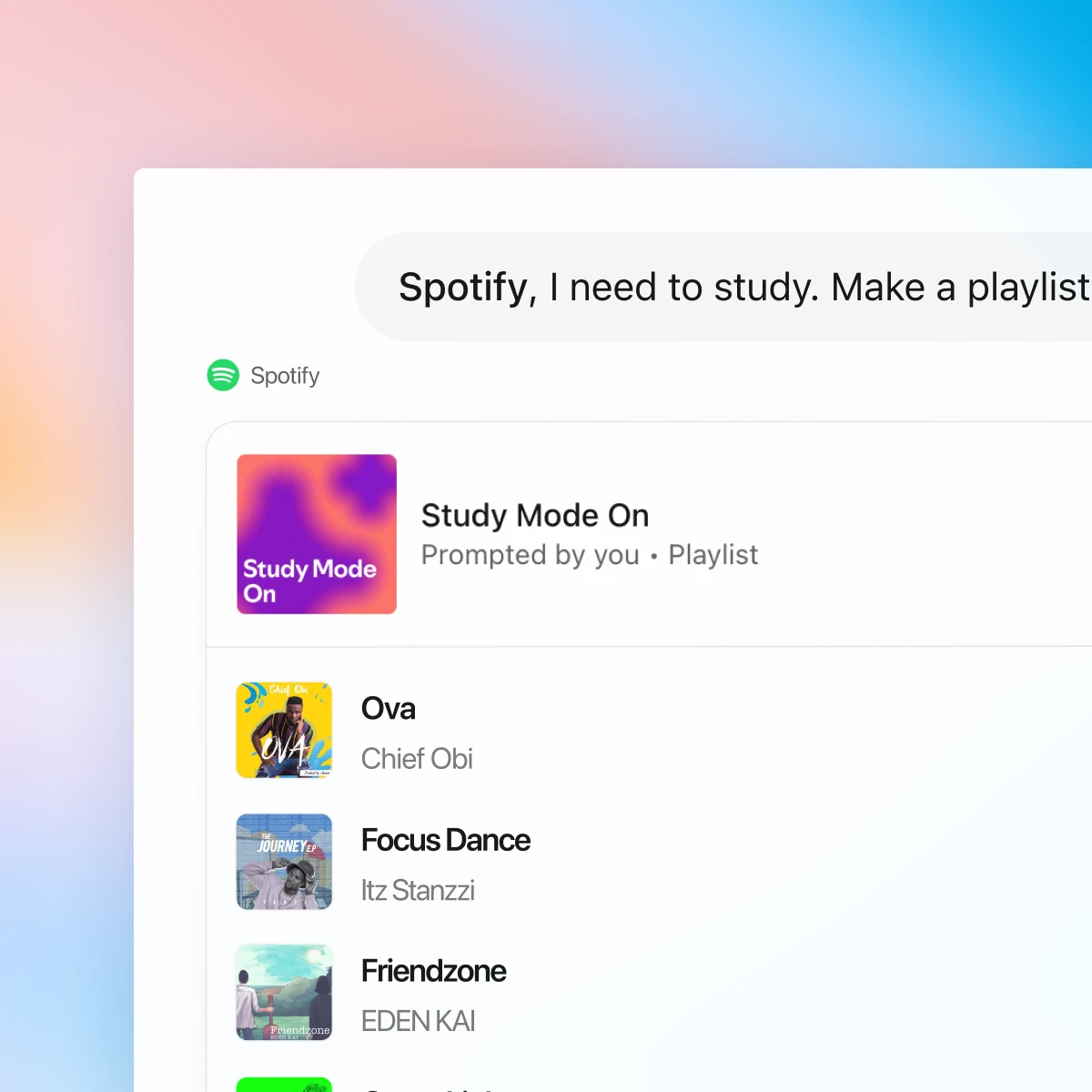
First, make sure you are logged in to ChatGPT. The first time you mention Spotify in chat, ChatGPT will prompt you to connect your Spotify account so it can personalize recommendations and playlists.
Chat with Spotify and find what fits your mood
Personalized to your taste
ChatGPT and Spotify work together to surface songs and podcasts based on your history, favorite artists, and listening patterns.
Effortless discovery
Go from “I need a playlist for…” to listening in seconds. Get new recommendations without ever leaving the chat.
Conversational playlists
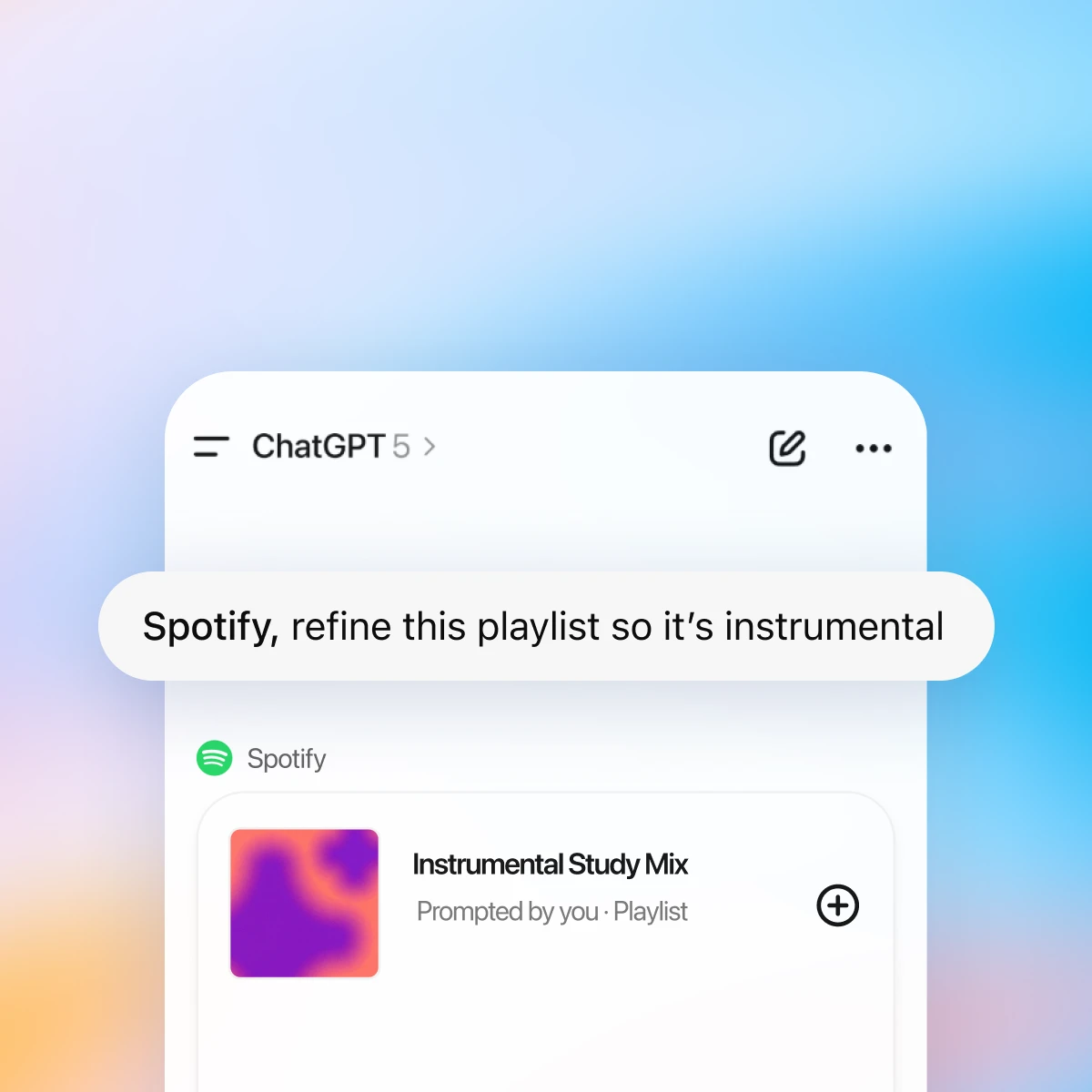
Create, edit, and name playlists through chat. Ask for a mix that fits your vibe — from focused study sessions to late-night drives.
More ways to chat with Spotify
More ways to use ChatGPT
- Vytvoriť pomocou Canva v ChatGPT
Vytvorte, zobrazte ukážku a upravujte návrhy Canva priamo vo vašich konverzáciách v ChatGPT. Prejdite od nápadu k prezentácii alebo príspevku pripravenému na zdieľanie — všetko v jednom procese.
- Čet s PDF
Nahraj svoje PDF súbory do ChatGPT a získaj pomoc s analýzou a zhrnutím veľkých dokumentov s cieľom rýchleho získania potrebných informácií.
- Recepty a varenie s ChatGPT
Využi hotové chaty na jedlá zo zásob, varenie s rozpočtom, prípravu jedál, náhrady surovín a rýchlu a spoľahlivú pomoc s receptami.