ChatGPT agent
ChatGPT can interact with websites directly on your behalf to book appointments, create slideshows, and more, handling complex tasks from start to finish.
Available in ChatGPT Plus, Pro, Business, and Enterprise
Kaip naudoti


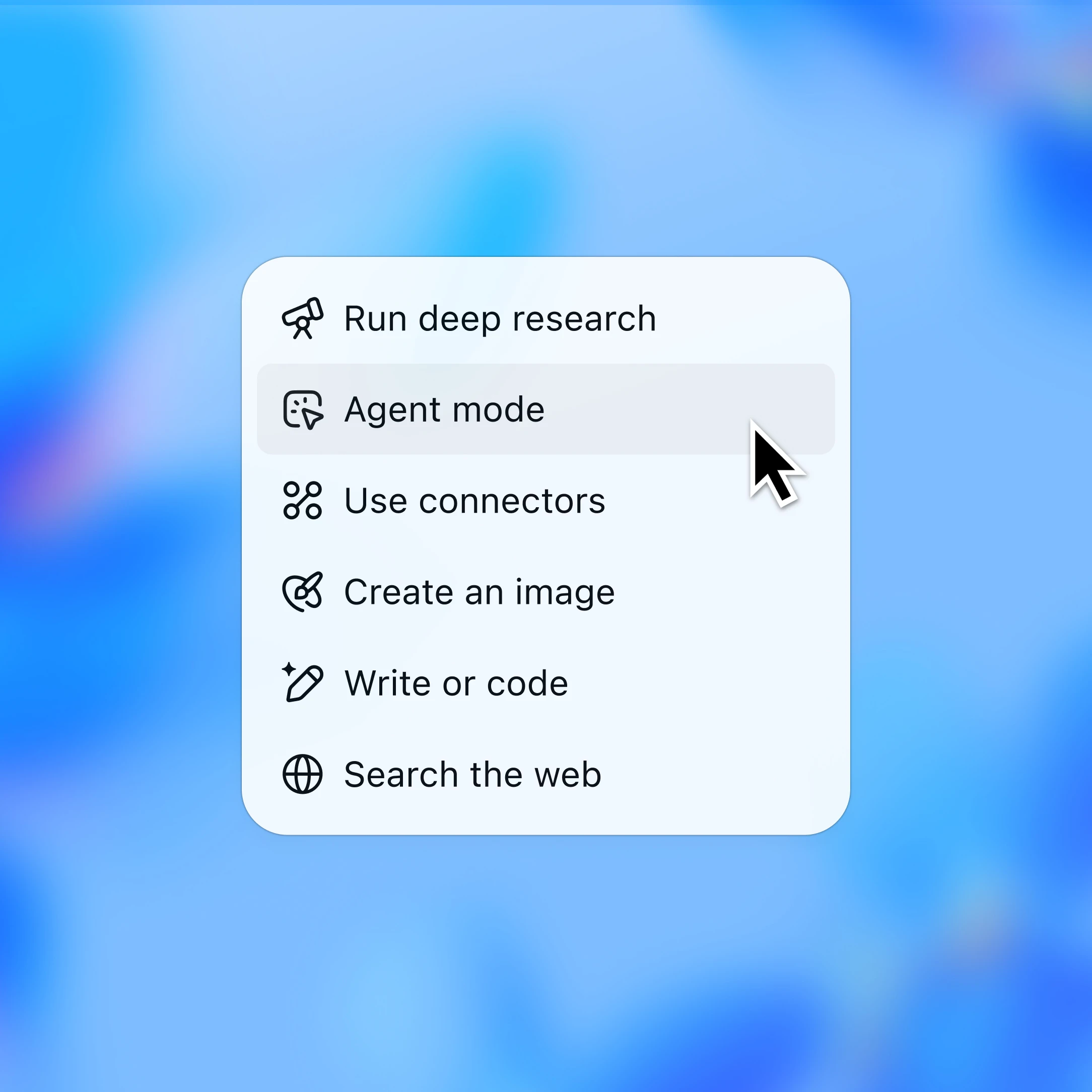
Spustelėkite „+“ pokalbio laukelyje ir išskleidžiamajame meniu pasirinkite „Agent mode“ (Agento režimas).
See it in action
Agent handles the busywork—research, analysis, making spreadsheets, and even travel planning—so you can focus on meaningful work.
An agent that works for you, with you
Offload complex work
Have ChatGPT take on the heavy lifting—navigating the web, analyzing data, and generating ready-to-use docs, using its own remote browser.
Delegate everyday tasks
Ask agent to take care of the details—input expenses, build travel itineraries, or compare utility providers.
Connects to your world
Link your apps securely so agent can pull in the right details—from schedules to emails—to get work done more effectively for you.
You’re always in control
ChatGPT agent works on your behalf. It requests permission before taking important actions like sending an email, and it doesn’t see information you enter when you take over the browser.
Explore more
- Pristatykite sparčiau su „Codex“
Sužinokite, kaip „Codex“ padeda pristatyti produktus sparčiau ir užtikrinčiau, naudojant įrankius, veikiančius jūsų terminale, IDE ir debesyje.
- Naršykite internete su „Atlas“
Naudokite „Atlas“, mūsų DI pagrįstą naršyklę, kad apibendrintumėte puslapius, palygintumėte produktus, analizuotumėte informaciją ar atliktumėte veiksmus internete.
- Automatizuokite užduotis
Susiekite programas, tokias kaip „Google Drive“, „Slack“ ir „GitHub“, kad „ChatGPT“ galėtų gauti informaciją, ją tvarkyti ir padėti jums nuveikti daugiau.