Voice with real-time video in ChatGPT
Talk to ChatGPT about what you’re seeing—whether you’re learning, solving a problem, or creating.
Available in ChatGPT Plus, Pro, Business, Enterprise, and Edu on mobile
ഒരു വീഡിയോ സംഭാഷണം എങ്ങനെ ആരംഭിക്കാം
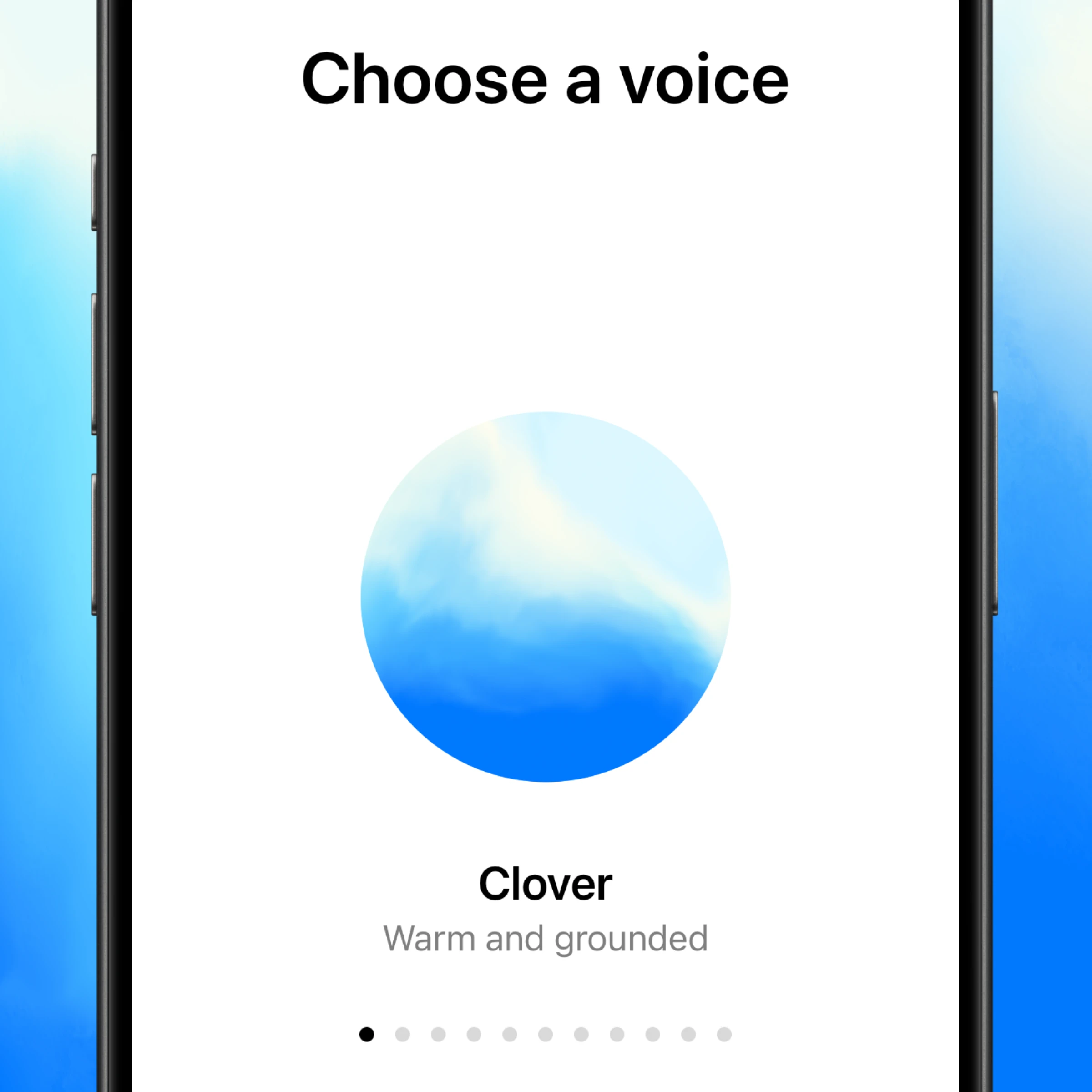
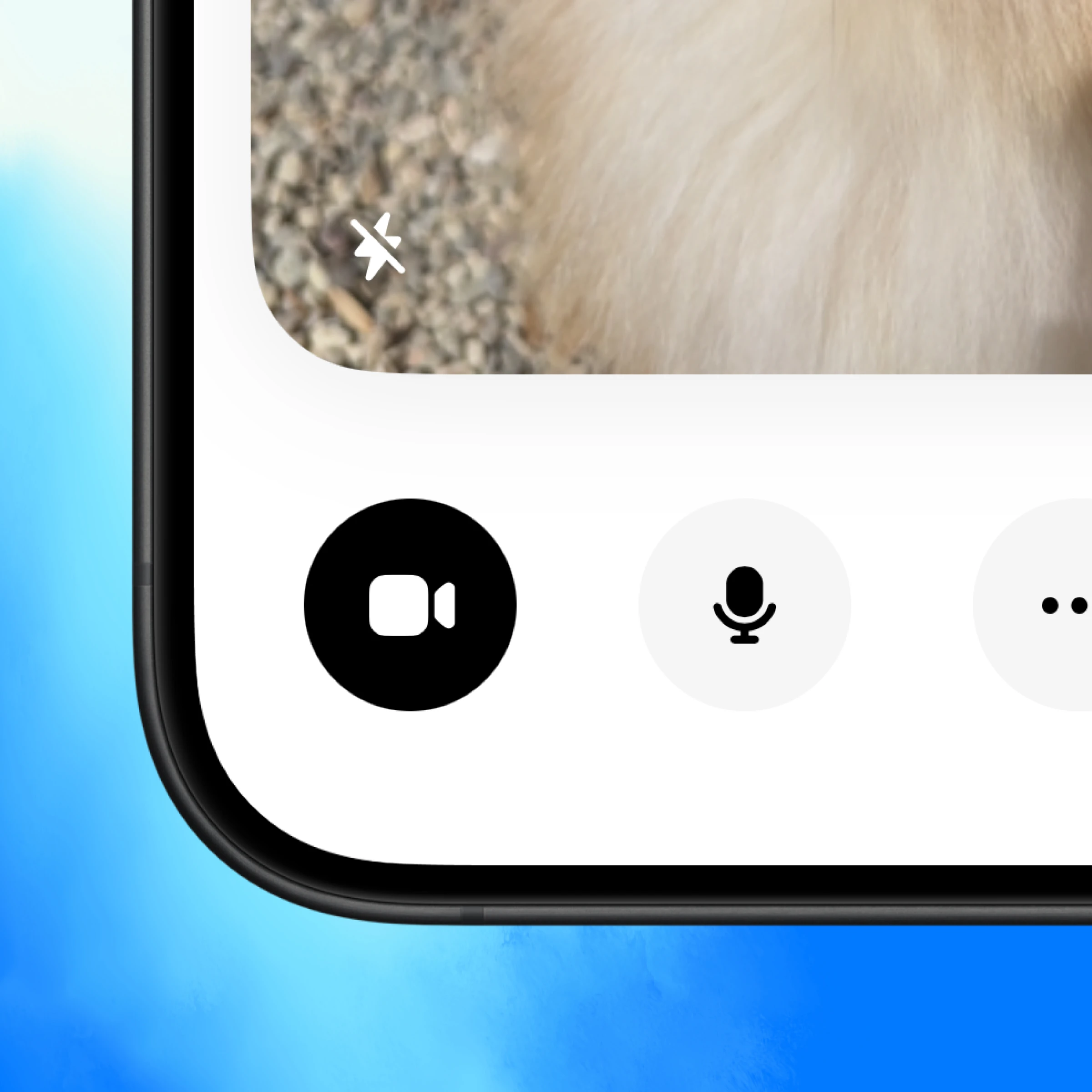
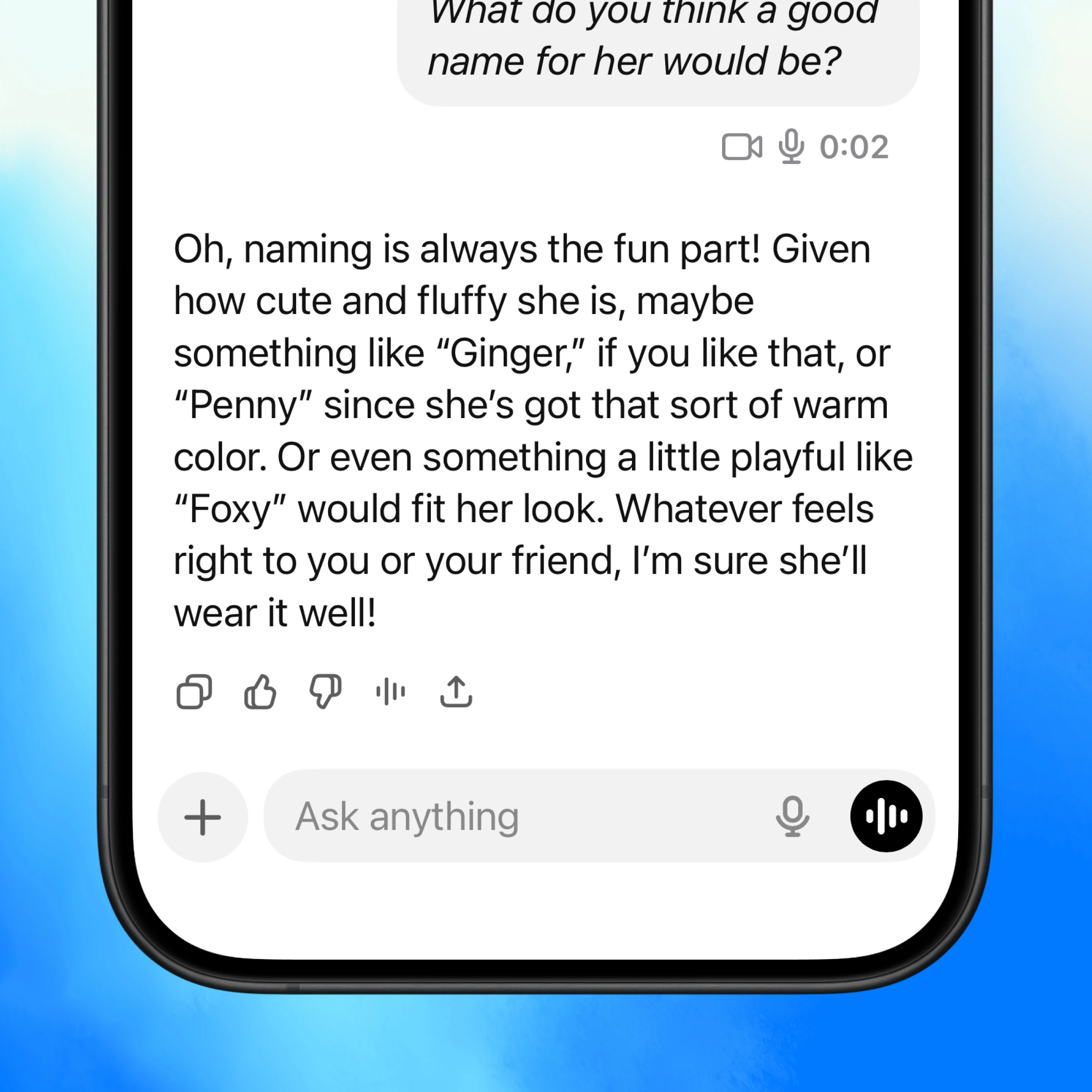
ChatGPT തുറന്ന് താഴത്തെ വലത് ഭാഗത്തുള്ള വോയ്സ് ഐക്കൺ ടാപ്പ് ചെയ്യുക.
Talk about what you’re seeing
Real-time “show and tell”
ChatGPT can see what you see and help instantly—whether you’re learning, fixing something, or brainstorming ideas.
Like a video call
Conversations flow with tone, context, and real-time feedback that make conversations more useful.
Back and forth conversation
Interrupt, ask follow-ups, or switch directions mid-thought—ChatGPT keeps up with you in the moment.
More ways to use voice with real-time video
Get inspired to start your own conversation in ChatGPT.
Learn more about voice conversations.
Explore more
- Voice ഉപയോഗിച്ച് സംസാരിക്കുക
ആശയങ്ങൾ ചിന്തിക്കാൻ, ഘട്ടം ഘട്ടമായ സഹായം ലഭിക്കാൻ, അല്ലെങ്കിൽ പ്രശ്നങ്ങൾ യഥാർത്ഥ സമയത്ത് പരിഹരിക്കാൻ നിങ്ങളുടെ ക്യാമറ ഉപയോഗിച്ച് ChatGPT-യുമായി കൈകളില്ലാതെ ആശയവിനിമയം നടത്തുക.
- Atlas ഉപയോഗിച്ച് വെബ്ബ് ബ്രൗസ് ചെയ്യുക
Atlas, ഞങ്ങളുടെ AI-സാധിത ബ്രൗസർ ഉപയോഗിച്ച് പേജുകൾ സംഗ്രഹിക്കാനും, products താരതമ്യം ചെയ്യാനും, വിവരങ്ങൾ വിശകലനം ചെയ്യാനും, അല്ലെങ്കിൽ വെബിൽ വിവിധ നടപടികൾ സ്വീകരിക്കാനും.
- ChatGPT ഡെസ്ക്ടോപ്പ് ആപ്പ്
AI-നെ ഒരു കീ അമർത്തലിന്റെ അകലത്തിൽ സൂക്ഷിച്ച്, നിങ്ങൾ തിരഞ്ഞെടുക്കുന്ന കോഡ്, ഫയലുകൾ, ഇമെയിലുകൾ, അല്ലെങ്കിൽ സ്ക്രീൻഷോട്ടുകൾ അപ്ലോഡ് ചെയ്യാനും അതിലൂടെ പ്രവർത്തിക്കാനും ChatGPT ഡെസ്ക്ടോപ്പ് ആപ്പ് ഡൗൺലോഡ് ചെയ്യുക.