Do more with Spotify in ChatGPT
Connect your Spotify account to ChatGPT and start listening your way. Ask for songs, playlists, or podcasts, and get personalized recommendations without leaving the chat.
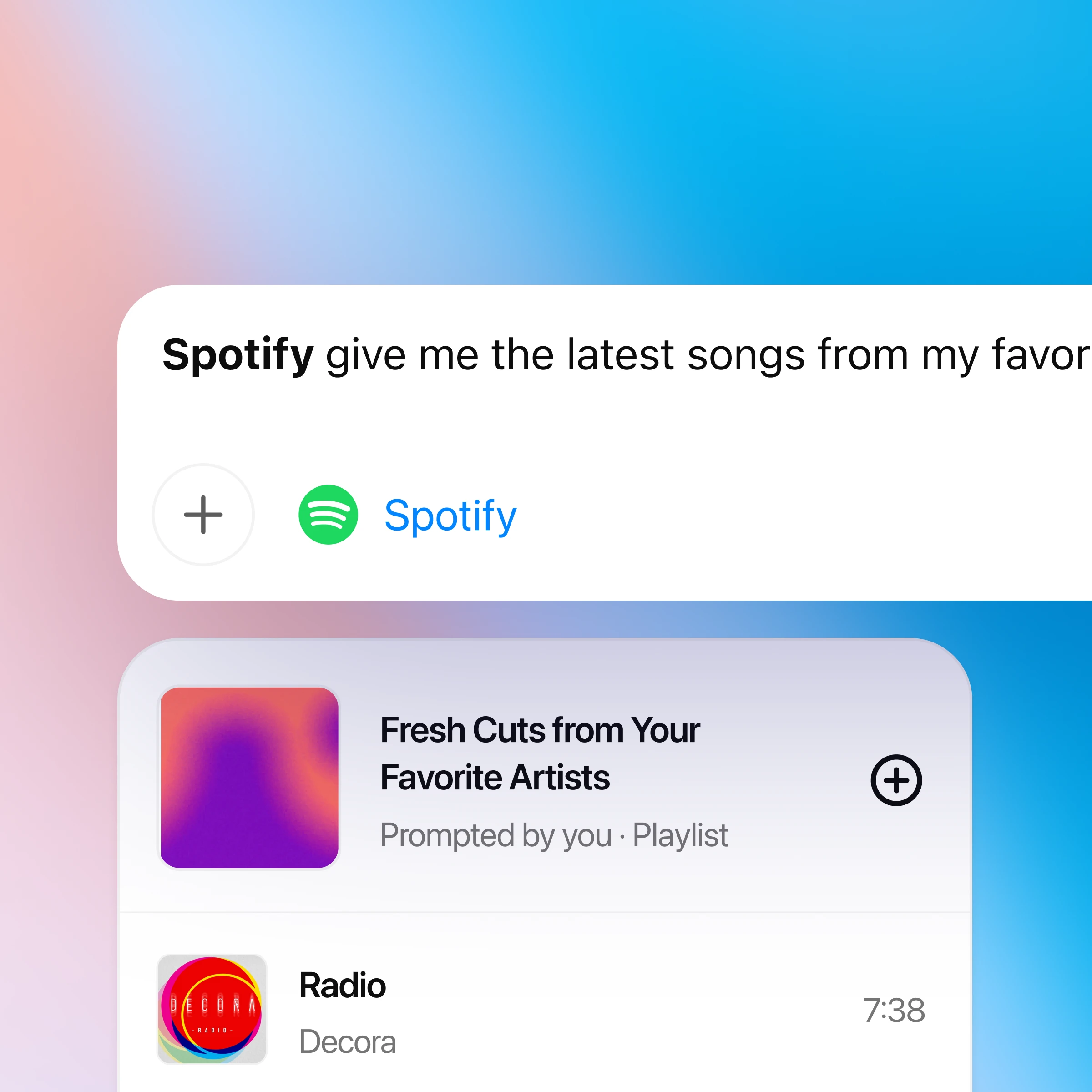
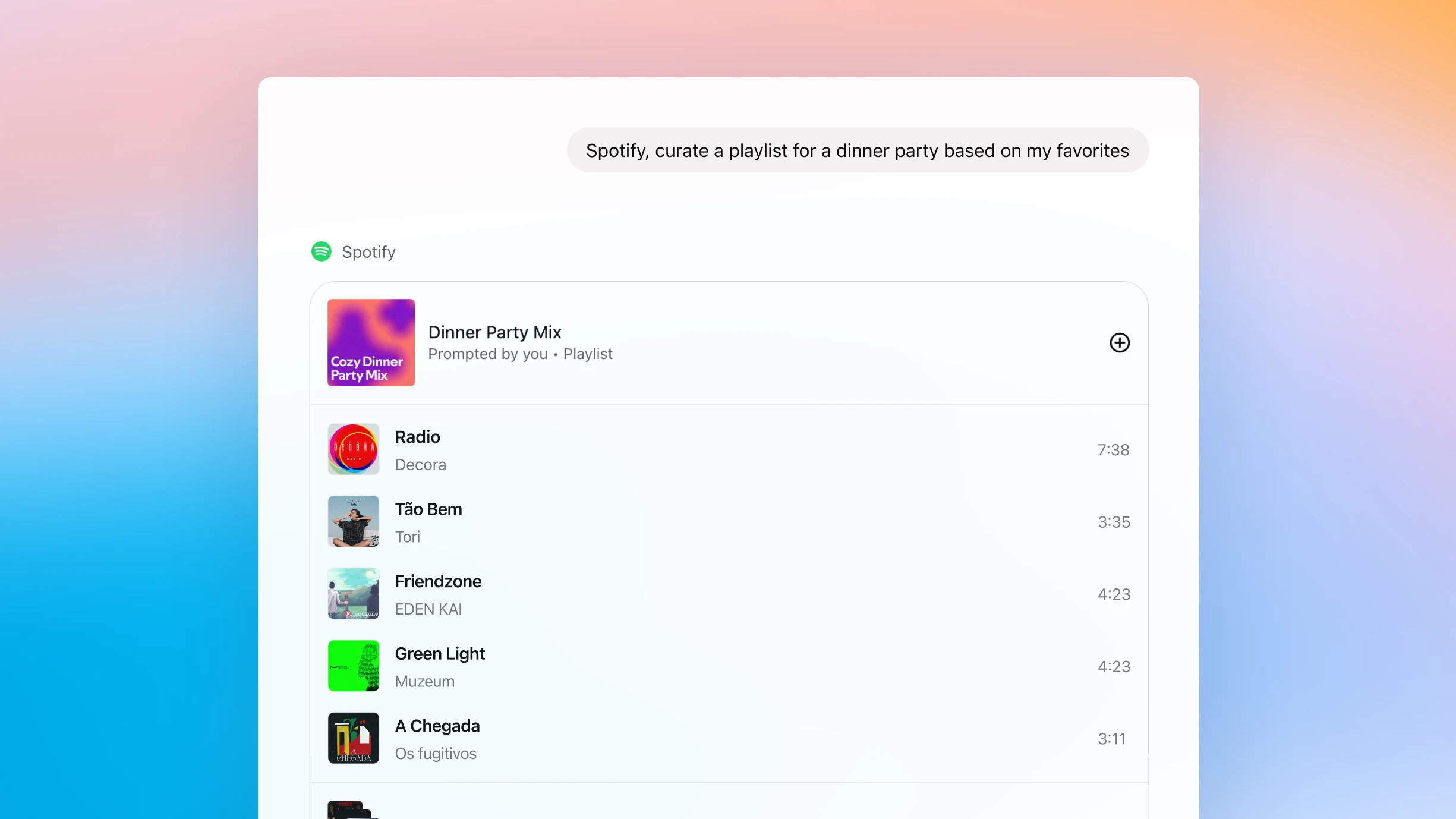
How to use ChatGPT with Spotify
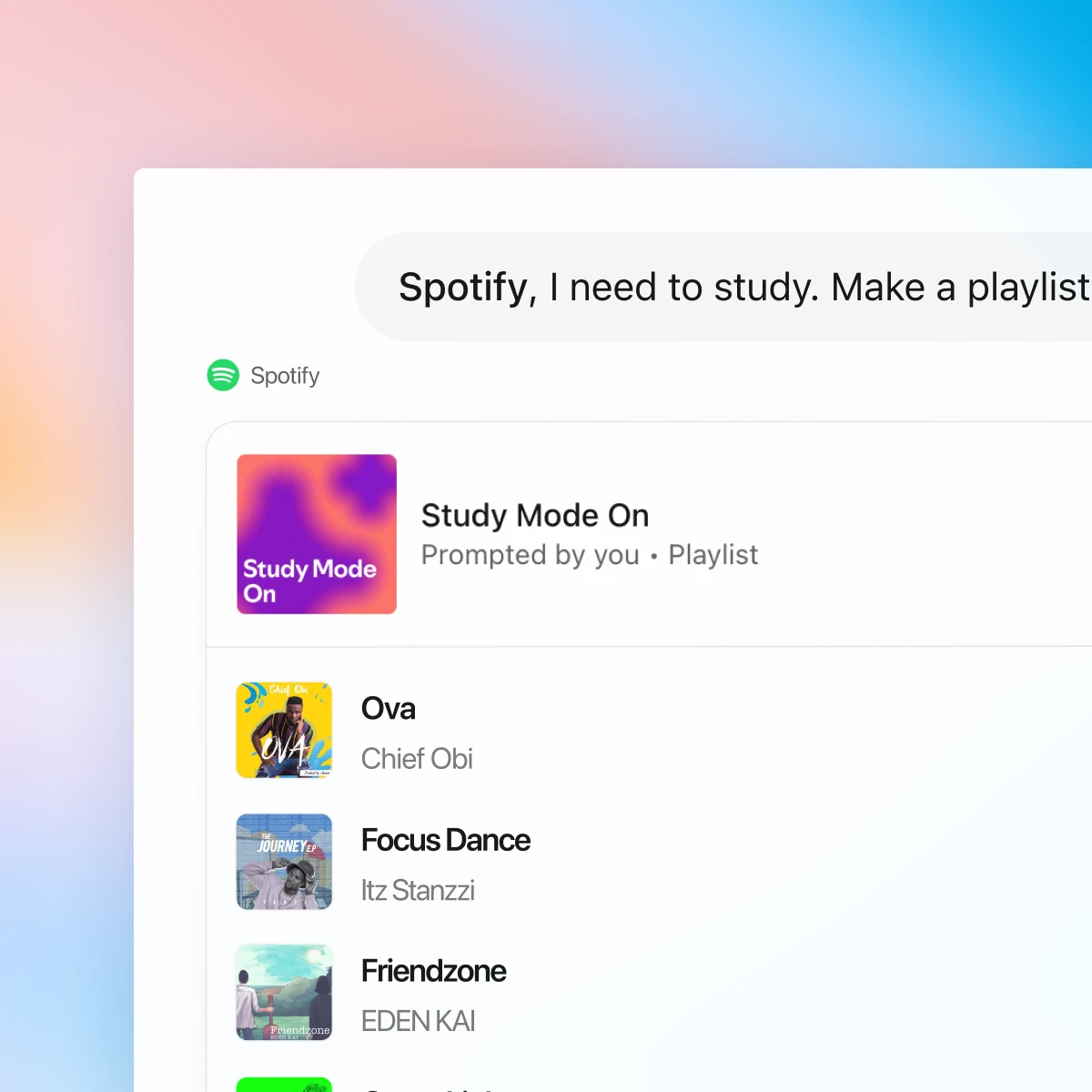
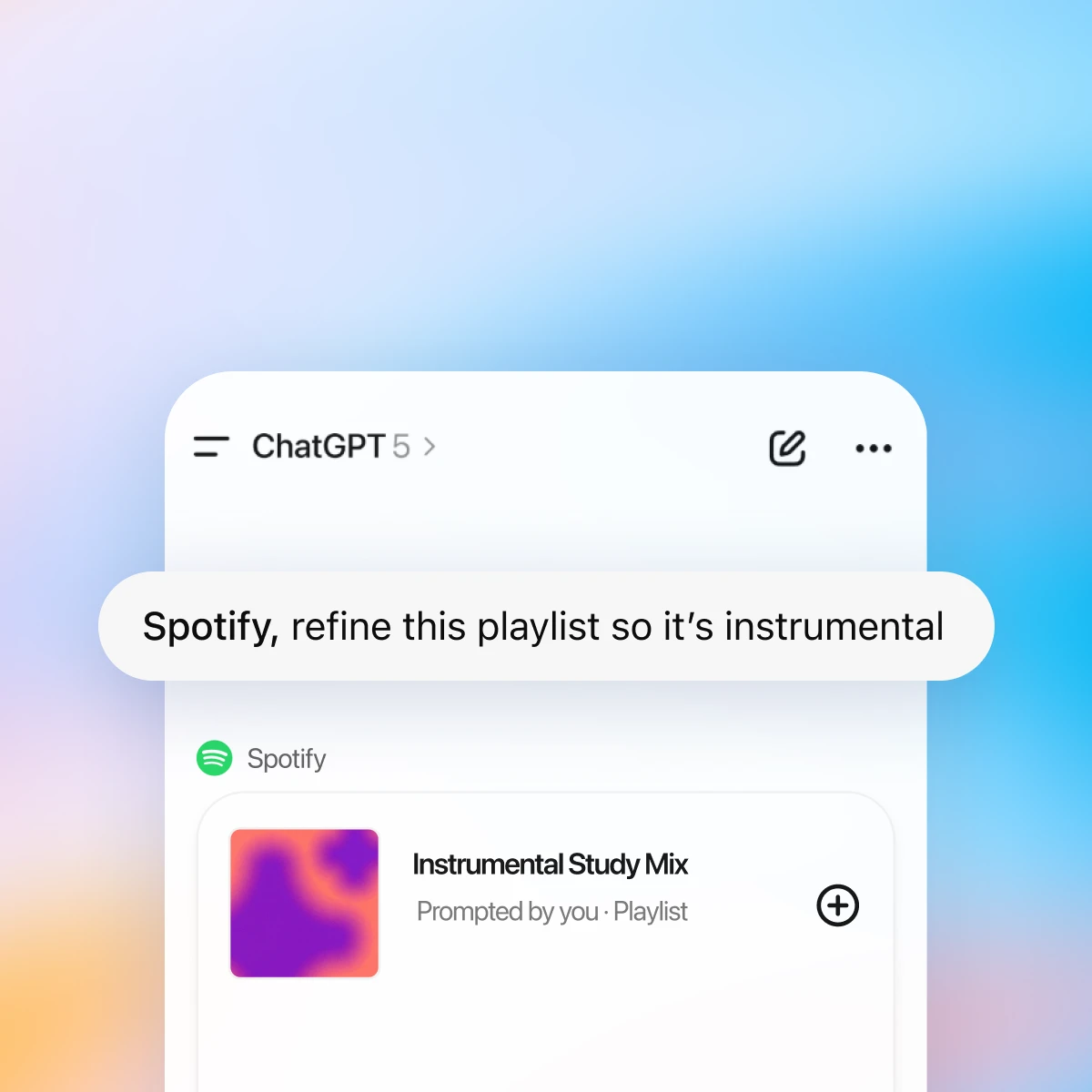
First, make sure you are logged in to ChatGPT. The first time you mention Spotify in chat, ChatGPT will prompt you to connect your Spotify account so it can personalize recommendations and playlists.
Chat with Spotify and find what fits your mood
Personalized to your taste
ChatGPT and Spotify work together to surface songs and podcasts based on your history, favorite artists, and listening patterns.
Effortless discovery
Go from “I need a playlist for…” to listening in seconds. Get new recommendations without ever leaving the chat.
Conversational playlists
Create, edit, and name playlists through chat. Ask for a mix that fits your vibe — from focused study sessions to late-night drives.
More ways to chat with Spotify
More ways to use ChatGPT
- Unda kutumia Canva katika ChatGPT
Unda, pitia onyesha awali na uhariri miundo ya Canva moja kwa moja katika mazungumzo yako ya ChatGPT. Nenda kutoka kwa wazo hadi kwenye wasilisho au chapisho lililo tayari kushirikishwa au uchapishe— yote katika mtiririko mmoja.
- Zungumza kupitia PDF
Pakia hati zako za PDF kwenye ChatGPT ili upate msaada wa kuchanganua na kufupisha hati kubwa, ili upate taarifa unayohitaji haraka.
- Mapishi na kupika kwa kutumia ChatGPT
Jiunge na mazungumzo yaliyotayarishwa tayari kwa milo ya vyakula vilivyopo kabatini, upishi wa bajeti, maandalizi ya mlo, mibadala, na usaidizi wa mapishi wa haraka na wa kuaminika.