Use ChatGPT with presentations
Get help with every part of your presentation—whether you’re summarizing slides or improving design. Simply upload any deck to ChatGPT to ask questions, get insights, or build a new one from scratch.
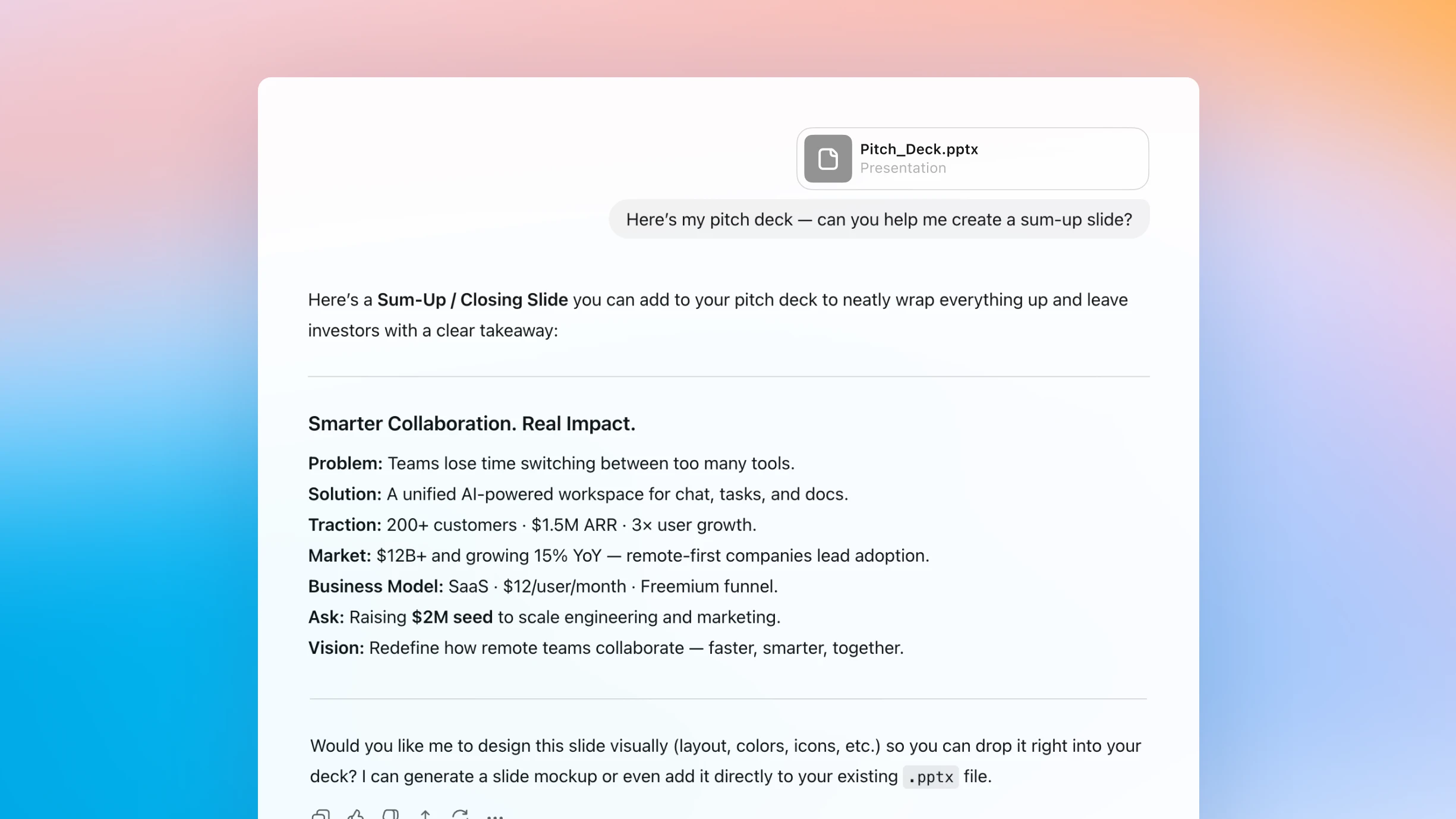
A partner for creating presentations
Simplify complex content
Upload a presentation to ChatGPT to summarize slides, surface key takeaways, and clarify advanced ideas, just by chatting.
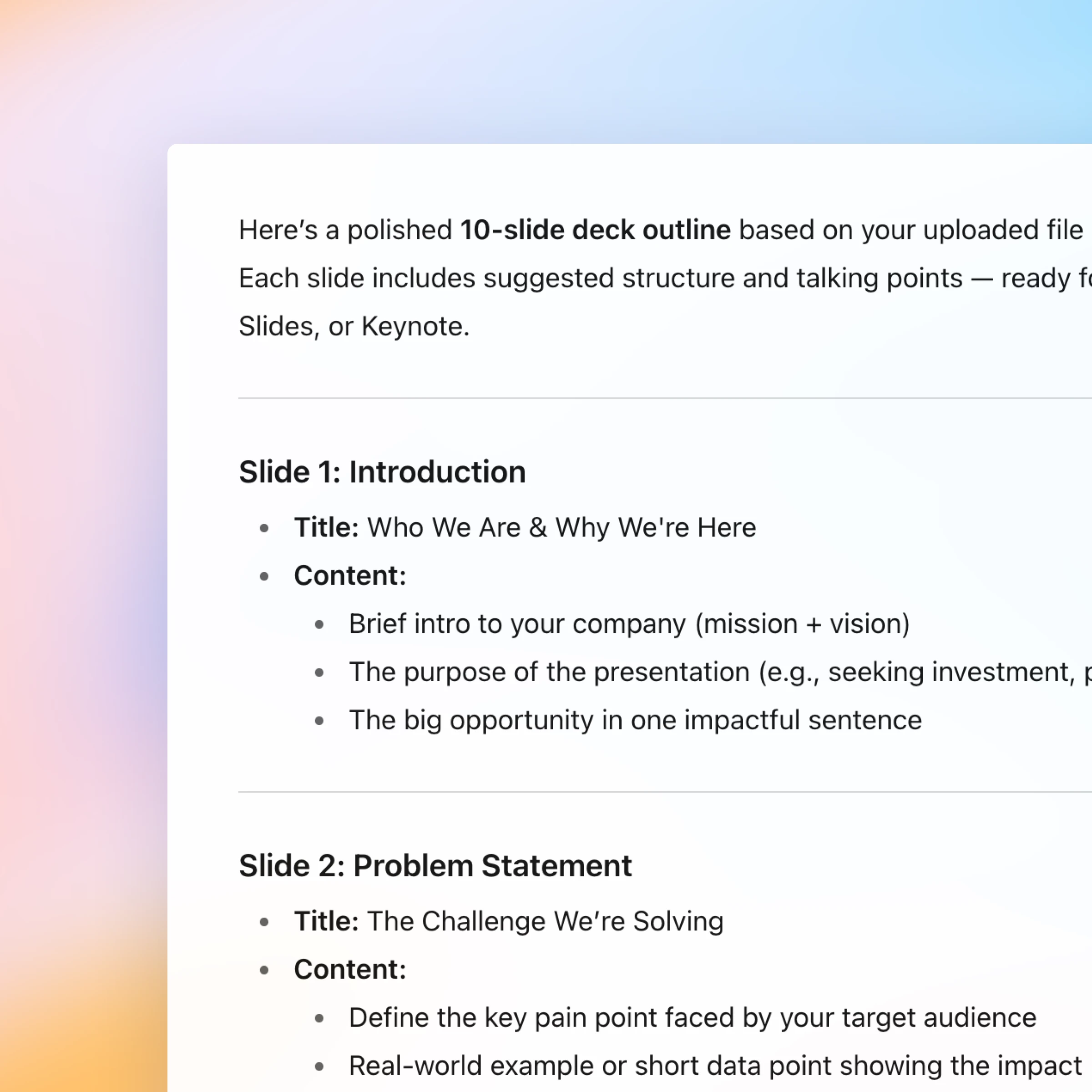
From rough draft to polished story
Start with an outline and use ChatGPT to help shape your message, organize your thoughts, and turn them into polished slides.
Have a natural conversation
Ask, refine, and iterate naturally. Every step of creating or understanding a presentation happens in one continuous, easy conversation.
New: Canva in ChatGPT
You can now create, preview, and edit Canva designs in ChatGPT, without leaving the conversation. Just mention “Canva” in your chat.
How it works
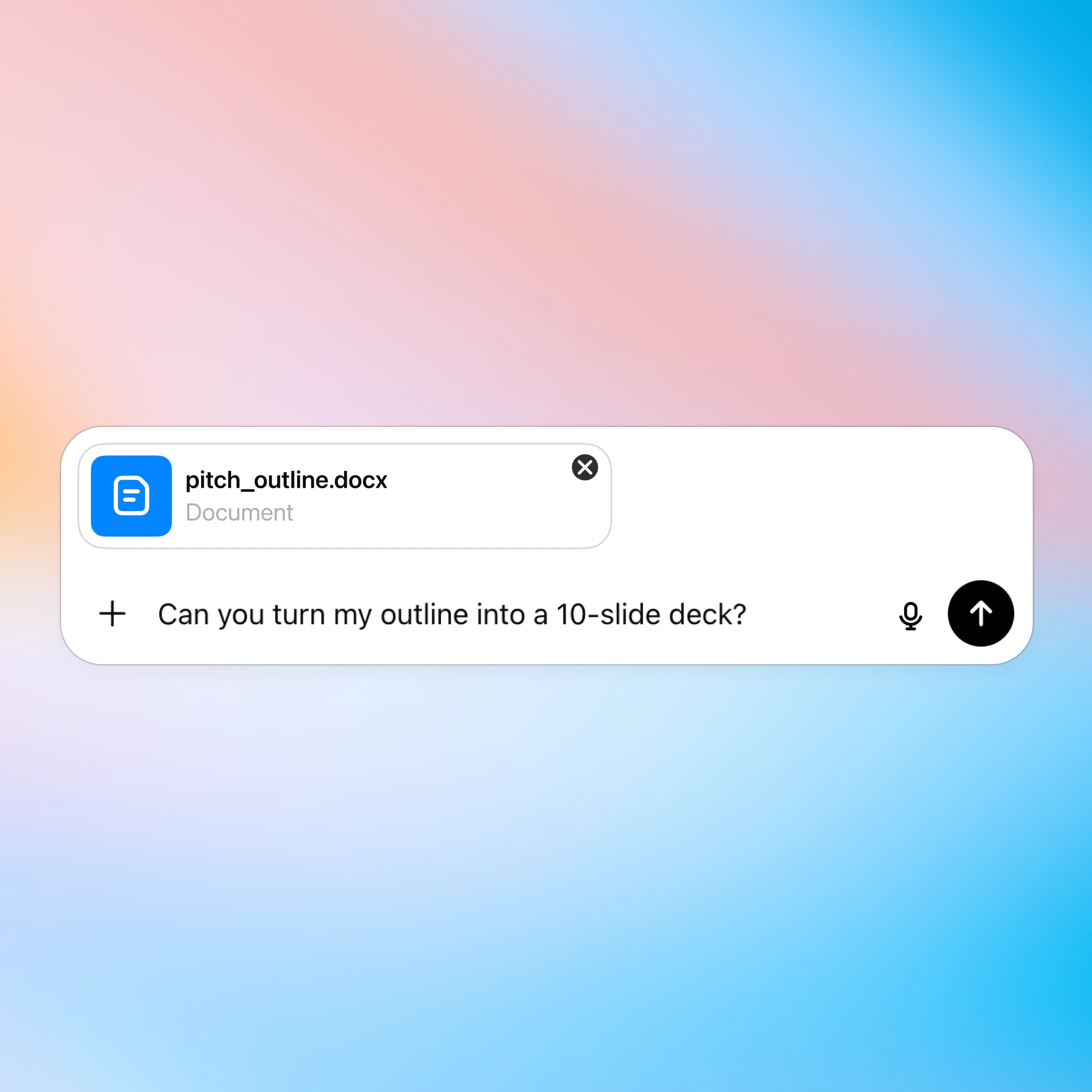
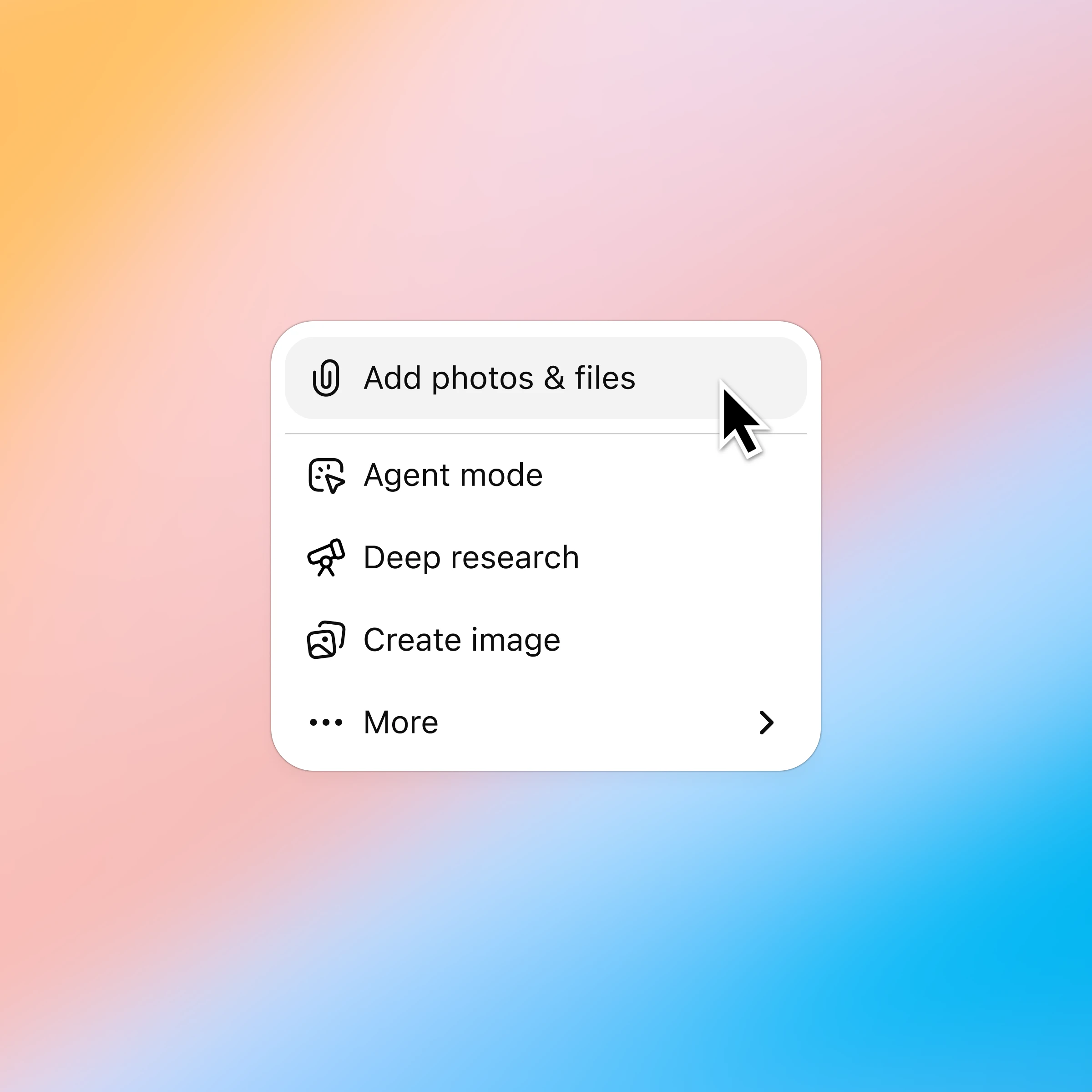
Click the ‘+’ and select ‘Add photos & files’ and choose the presentation you want to discuss. Plus and Pro customers can connect to Google Drive and Microsoft Teams to pull in existing files. Learn more.
More ways to chat with presentations
Njia zaidi za kutumia ChatGPT
- Fanya mazungumzo kupitia lahajedwali
Elewa data haraka zaidi, rekebisha fomula kwa ujasiri, na ubadilishe nambari ghafi kuwa maarifa na violezo vilivyo wazi.
- Zungumza kupitia PDF
Pakia hati zako za PDF kwenye ChatGPT ili upate msaada wa kuchanganua na kufupisha hati kubwa, ili upate taarifa unayohitaji haraka.
- Vinjari wavuti kwa kutumia Atlas
Tumia Atlas, kivinjari chetu kinachotumia AI, kufupisha kurasa, kulinganisha bidhaa, kuchanganua taarifa, au kuchukua vitendo kwenye wavuti.